
Discover the Best Image Editors for Every Project
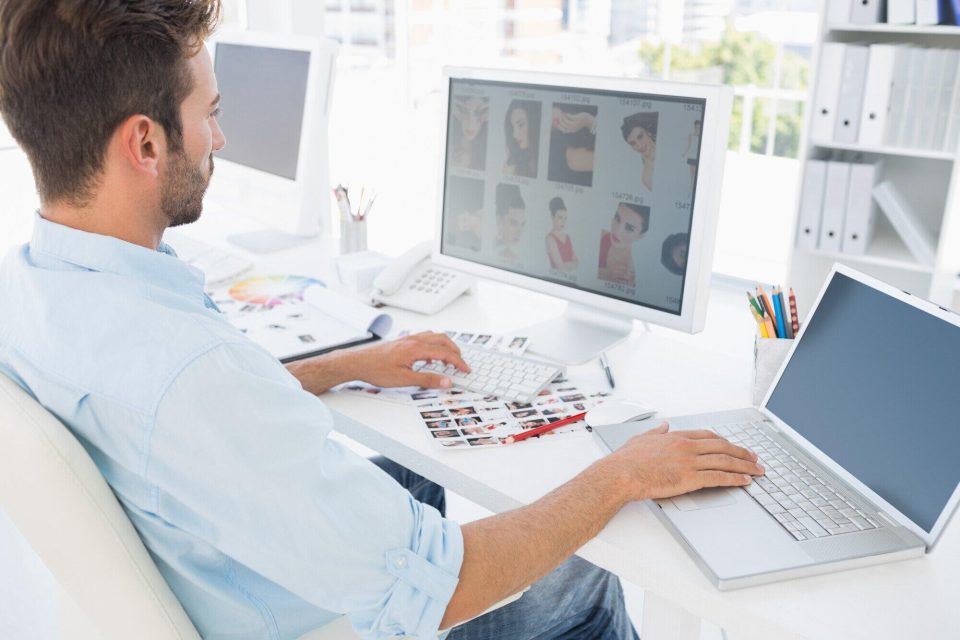
Have you ever stared at a photo and thought it needed a little something to make it perfect?
Maybe the light feels off, or you want to add fun text, fix a flaw, or crop out a stranger in the background. Choosing the best tool to do all this can be confusing, especially with so many options out there.
This blog will guide you through discovering the best image editors for every project. Whether you’re new to editing or just want something easier, you’ll find what you need right here to bring your creative ideas to life.
Not All Editors Are the Same
Image editors may look the same, but each one offers something unique. Some are made for quick edits like cropping or brightening, while others are built for deeper tasks like using layers or making digital art.
If you just want to clean up photos for social media, a simple app will do. But for posters, photo art, or school projects, you’ll need a more advanced tool. Knowing your goal helps you choose better.
Features That Make a Big Difference
Features are what make an image editor powerful. Some editors include basic tools such as cropping, resizing, and adjusting brightness.
Others offer advanced options like layers, masks, and filters. Think about what you need most. If you want simple edits, choose an editor with only essential features. If you want to do detailed work, look for editors with more tools.
Editing tools like brushes, color correction, and special effects help bring your ideas to life. Some even include templates and graphics to make your project easier and faster to finish.
The Importance of Ease and Speed
A good image editor should be easy to use. Beginners often get confused by too many buttons or menus. Look for editors with clean layouts and simple steps.
Drag-and-drop features and guided tools can help a lot. This way, you spend more time creating and less time figuring out what to do. Fast tools are also helpful.
Nobody likes to wait too long just to save a picture or try a new filter. Editors that work quickly and save your progress as you go are great for students or busy users.
Why Mobile Apps Are Popular
Today, many people take photos using their phones and want to edit them right away. That’s why mobile editing apps have become so popular. You can make changes, add effects, and share your photo without even touching a computer.
Apps like VSCO and Snapseed are made for this. They are simple, fast, and come with filters that give your photo a cool look.
You can also fix lighting, sharpen details, and crop images in just a few taps. These apps are great for everyday use or posting on Instagram, TikTok, or Facebook.
The Best Editors for School and Work Projects
Some projects need more than just a filter. For school assignments, reports, or work presentations, you might need tools that help with layout, design, and labels.
Editors like Canva and Pixlr are perfect for these kinds of tasks. They give you space to add text, shapes, and stickers. They also have ready-made templates that save time and give you ideas.
These editors work both online and on desktops. You can start a project on your laptop and finish it on your tablet. They are good choices for creative work where you mix pictures, words, and colors.
How to Edit a Photo Online Easily
Sometimes you don’t want to download a new app or program. That’s where web-based editors come in. You can edit photo online using many free or low-cost websites.
These platforms let you upload a picture, make changes, and save it right away. Most of them work well on phones and computers. They offer the main tools you need, like crop, rotate, brightness, and filters.
Some even offer fun stickers, borders, and collage tools. This is a great way to make quick edits without taking up space on your device.
Advanced Tools for Serious Projects
If you are ready to level up, you can try more advanced editors like Adobe Photoshop or GIMP. These tools are not just for professionals. They have free trials and tutorials that help beginners learn step by step.
You can fix small details, remove objects, or even create new images from scratch. These editors offer layers, brushes, masks, and color tools that give you total control.
They take time to learn, but they offer more power. If you are doing graphic design, art, or big photo projects, these tools can give you amazing results.
Choosing Based on Your Device
Not all editors work on every device. Some are only made for phones, while others are best on a computer. If you like working on a big screen, choose a desktop app like Photopea or Fotor.
These tools let you see fine details clearly. If you are always on the go, mobile apps like PicsArt or Lightroom Mobile can be better. Also, check if the editor works offline.
This is helpful if you’re somewhere with weak internet. Think about where and how you like to edit, then choose a tool that matches your habits.
Free vs Paid Editors
Many editors are free, but some charge for extra features. Free tools are great for basic tasks and small projects. They often have ads or limited features, but they still get the job done.
Paid tools usually give you more filters, cloud storage, or help from support teams. If you edit photos often, it might be worth it to pay for the added power. Still, there are many free editors that are full of good features.
Try out a few before choosing whether to spend money. You might find a free editor that meets all your needs. Just make sure it fits your style and is easy to use.
Get Ready to Take Your Images to the Next Level Using This Guide
With so many choices available, it’s easier than ever to find the right image editor for your needs. You’ve learned how different tools work and which ones are great for mobile, school, or detailed design.
You now understand what features to look for and how to match an editor with your project type. Whether you’re just starting out or want to improve your skills, choosing the best image editors for every project can save time, make your work stand out, and help your ideas come to life.
Did this guide help you? Browse the rest of this section for more variety of topics.